Clipping Path
Clipping Path Services
Vector paths drawn by hand with the pen tool — simple or complex, multiple named paths per image, delivered transparent or with the path saved into the file. From 50 cents an image, back in 24 to 48 hours.
No minimum orderFree trialPay per imageEdited by hand, not by AI
Why Hand-Drawn
A Path Is Judged at 200%
Every tool now offers one-click background removal, and on a hard-edged product against a clean backdrop the result looks fine — until someone zooms in. Then the edge shows what actually happened: a wobble along a straight side, a corner rounded off, a faint fringe of old background surviving along the top.
That fringe is why clipping paths still get drawn by hand. A vector path is made of points and curves you place deliberately, so a straight side stays mathematically straight and a corner stays a corner. Automatic selection works from pixel contrast, which means it is guessing, and on the edge it guesses softly.
The other reason is reuse. A saved path travels inside the file. Your designer can select the product a year later, drop it on a new background, recolour it, or scale it into a print layout without redoing the cut-out. That is a different deliverable from a flattened PNG, and it is what the $0.50 buys.
Just need the product cut out, including hair or fur? That is background removal, from $0.25. Costing a whole catalogue? The product photo editing cost guide sets every service against sourced market rates.
Real Work
Before and After
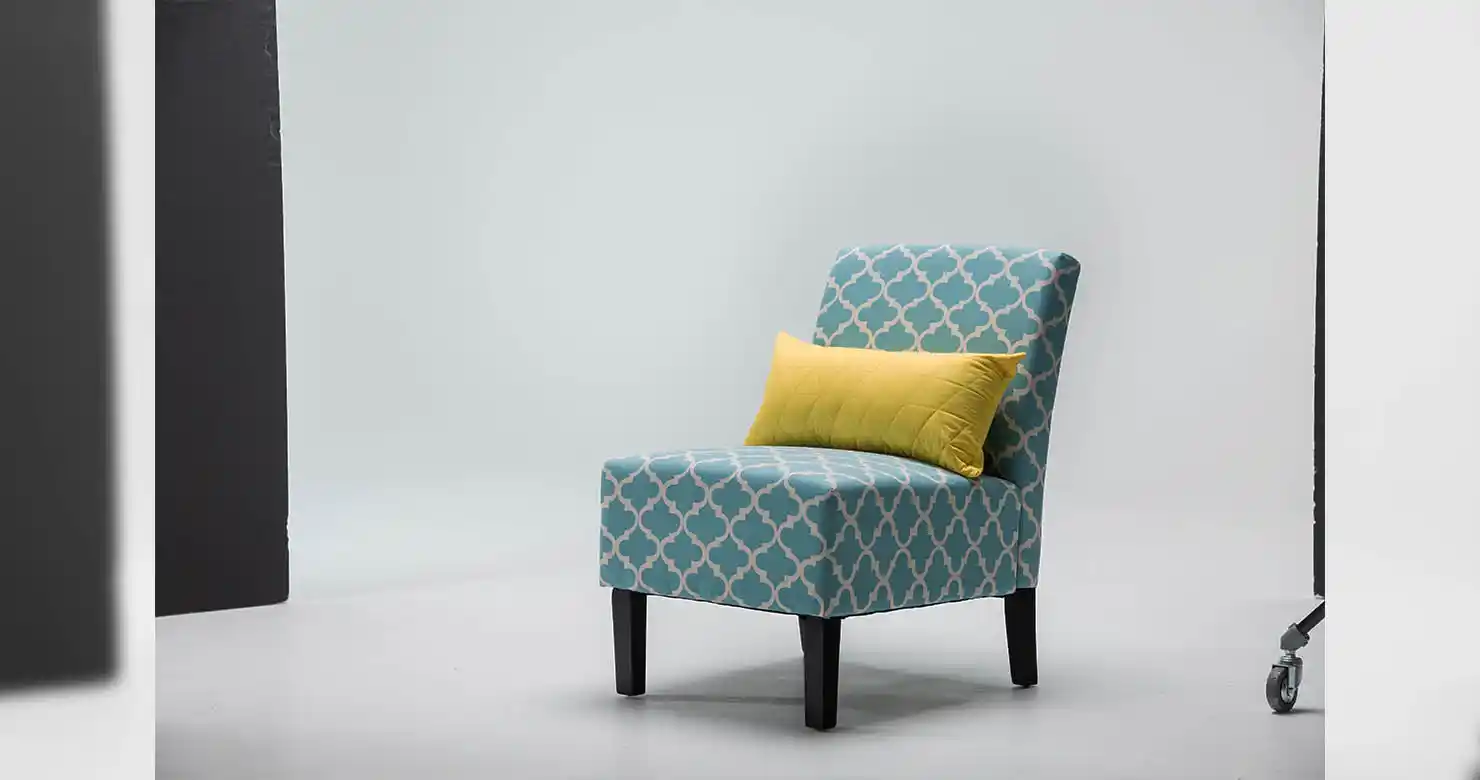
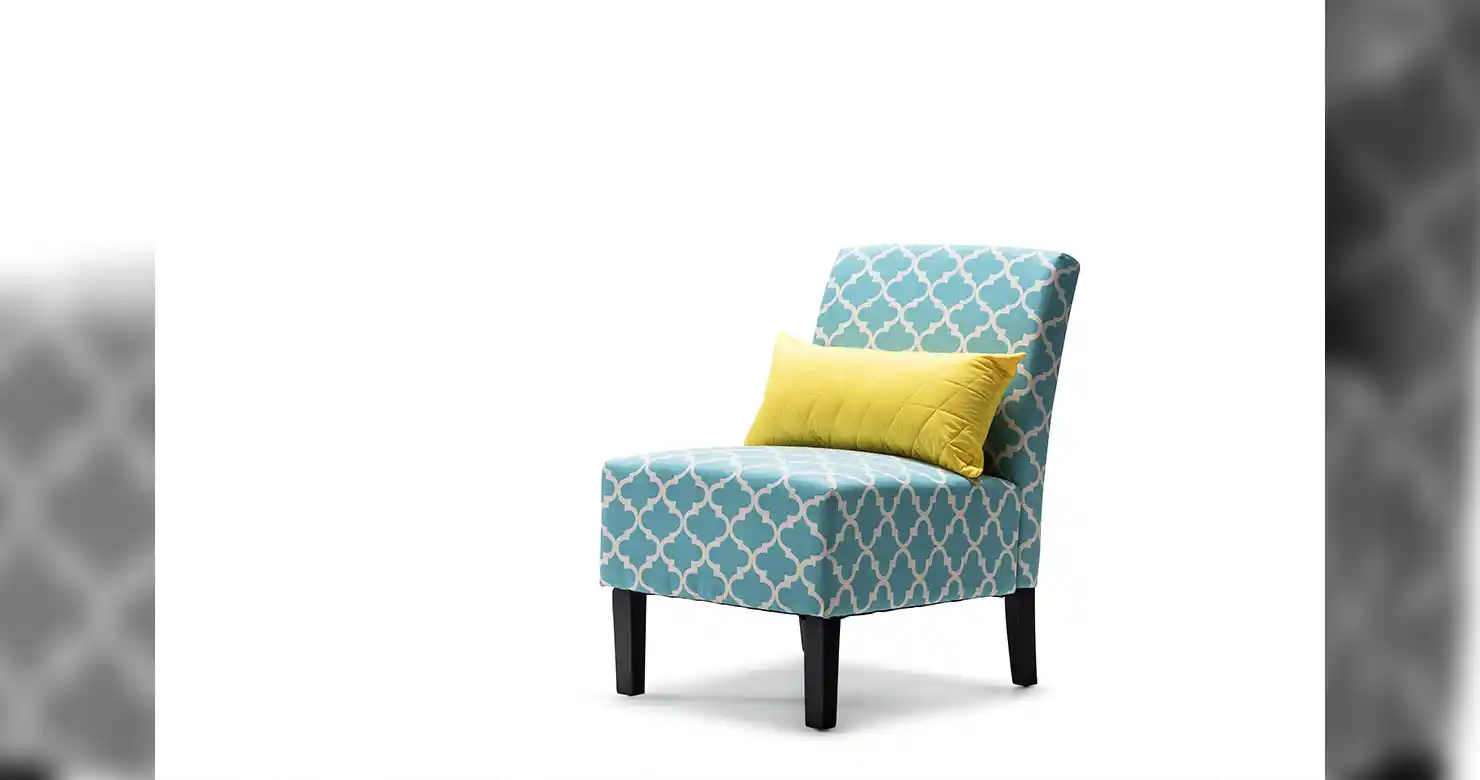
Drag the handle to compare. Want this on your own files? Send us a set and see it before you pay anything.
What Is Included
Every Edge Placed by Hand
Hand-Drawn Vector Paths
Paths drawn with the pen tool, point by point, not generated by a selection tool and cleaned up afterwards. On a hard-edged product that is the difference between a crisp edge and a soft one.
Simple to Complex
A straight-sided box takes one path. A bicycle, a wicker chair or a chain necklace takes hundreds of segments and interior cut-outs. Both are quoted the same way.
Multiple Paths Per Image
Separate named paths for separate elements — the garment, the buttons, the label — so your designer can select any one of them independently later.
Transparent Backgrounds
Delivered as PNG or layered PSD with the background knocked out, or with the path saved and the background intact so you can decide downstream.
Clean Edge Work
The path sits just inside the product edge so no halo of old background survives, and no genuine edge detail gets shaved off with it.
Your Output Spec
JPEG on white, transparent PNG, layered PSD with the path intact, or TIFF. Tell us what your storefront or print workflow ingests and we deliver that.
When To Use It
Worth It On These
How It Runs
Shot to Catalogue in 24 Hours
Send the images
JPEG, TIFF, PSD or RAW. Send the full range rather than a sample if the products are similar — consistency across a catalogue is easier to hold in one batch.
Tell us the output
Transparent PNG, JPEG on white, or a layered PSD with the path saved. If you need separate paths for separate parts, say which parts.
We draw the paths
Each path drawn by hand and checked at full zoom along its whole length, because a path is only as good as its worst three pixels.
Review and revise
Back in 24 to 48 hours. Zoom to 200% along an edge — that is where path work either holds up or does not. Revisions are included until it does.
Common Questions
Clipping path questions
What is a clipping path?
A clipping path is a closed vector outline drawn around a subject with the pen tool in Photoshop. Everything inside the path is kept and everything outside is hidden, so the product can be placed on white, on a new background or on a transparent layer. Because it is vector, the path stays sharp at any size and can be edited later.
How much does a clipping path cost per image?
Clipping paths start at $0.50 per image. Simple shapes sit at the bottom of that and heavily perforated subjects — wicker, chains, bicycle spokes — cost more because the path is genuinely longer. There is no minimum order.
What is the difference between a clipping path and background removal?
A clipping path is a vector path saved into the file, so the selection can be reused, edited and rescaled later. Background removal is the finished cut-out, and it handles subjects a path cannot — hair, fur, fabric mesh, smoke, anything semi-transparent. Paths are $0.50, extraction is $0.25.
Can you do complex paths with holes in the middle?
Yes. Interior cut-outs are standard — the gap inside a mug handle, the space between chain links, the holes in a wicker chair. Complex subjects take longer but are quoted the same way.
Can I get separate paths for different parts of the product?
Yes. We deliver multiple named paths in a single file, so a designer can select the garment, the buttons and the label independently. Tell us how you want them split when you send the job.
What file formats do you deliver?
Transparent PNG, JPEG on a white background, layered PSD with the path saved, or TIFF. Name the format your storefront or print workflow needs and we will match it rather than have you convert.
Do you use automatic selection tools?
Not for the path itself. Automatic selection works from pixel contrast, which produces a soft, slightly wandering edge that shows at high zoom. Paths are drawn with the pen tool and checked at full zoom along their whole length.
Can you clip a subject with hair or fur?
A vector path is the wrong tool for hair — it cannot describe thousands of individual strands. For those subjects we use masking instead, which is our background removal service from $0.25. Send it either way and we will use whichever is right.
Do you handle large catalogue batches?
Yes, and consistency is easier in one batch than across several. Send the whole range together and the same edge treatment is applied across it rather than drifting between deliveries.
Can I see it on my own image first?
Yes. Send your most awkward product and we will path it free, with no card required. Zoom to 200% along the edge — that is the only test that matters.
What do your clipping path services include?
Vector paths drawn by hand with the pen tool, simple or complex, including interior cut-outs and multiple named paths per image. Files come back as transparent PNG, JPEG on white, layered PSD with the path saved, or TIFF. Paths start at $0.50 per image with no minimum order, and most batches are delivered in 24 to 48 hours.
Other Retouching Services
Paths are usually one line on a product order. These are the rest.
Get Started
Send Us a Product Range
Tell us how many images and what format you need back, and we'll quote within 24 hours.
Clipping Path
Project Details
Tell us how many images, how complex the shapes are, and whether you need multiple paths per file.