Amazon Product Image Requirements 2026: The Complete Seller's Guide to Avoiding Rejections
Are your Amazon listings being rejected, or receiving clicks without conversions, because your product images do not meet marketplace standards? A technically…
Are your Amazon listings being rejected, or receiving clicks without conversions, because your product images do not meet marketplace standards?
A technically incorrect image can delay your launch, suppress your listing from search, and make customers question your product quality. The good news is that most image-related problems are preventable with the right specifications and a reliable editing workflow.
Key Takeaways
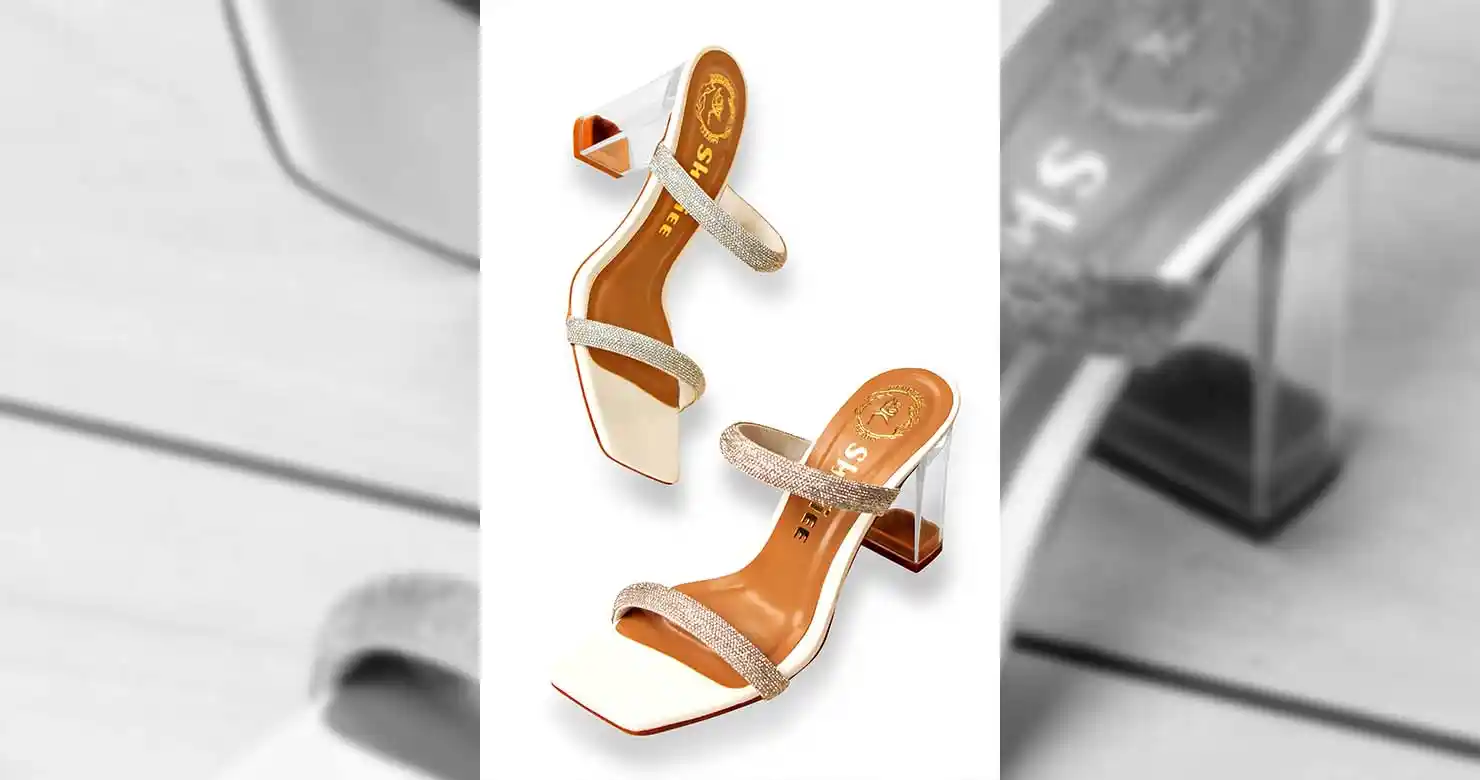
Your main image needs a pure white RGB 255,255,255 background.
The product should occupy approximately 85% of the frame.
Use at least 1,000 pixels on the longest side for zoom; 1,600–2,500 pixels is a stronger production standard.
Main images must not include added text, logos, watermarks, props, mannequins, or promotional graphics.
Secondary images can use lifestyle photography, infographics, close-ups, and text overlays.
Pinnacle Edits can prepare Amazon-ready product images with a 24-hour turnaround.
Why Amazon Product Images Get Rejected
Amazon uses strict image standards to create a consistent shopping experience. If your main image has a gray background, excessive empty space, clipped edges, or promotional text, it may be rejected, or your listing may be suppressed until the issue is fixed.
These mistakes also carry a hidden business cost. Every rejected image can mean:
Delayed product launches
Lost advertising spend
Lower click-through rates
Reduced customer confidence
More manual rework for your team
Your product photography is not just a compliance requirement. It is a conversion asset and a competitive advantage.

Amazon Main Image Requirements
The first image customers see in search results is your main product image. According to Amazon’s official Product Image Guide, it must meet these standards:
Background: Pure white, RGB 255, 255, 255
Product size: Product should fill approximately 85% of the image
Dimensions: Minimum 500 pixels and maximum 10,000 pixels on the longest side
Zoom recommendation: At least 1,000 pixels on one side; 1,600–2,500 pixels is recommended for sharper zoom and mobile viewing
Formats: JPEG, PNG, TIFF, or non-animated GIF
Color: Convert files to sRGB for consistent color rendering
File size: Keep each image under 10MB for reliable uploading
Composition: Show the complete product, accurately scaled and centered
Your main image should not include added text, badges, watermarks, borders, promotional graphics, unrelated props, or mannequin parts. Do not show products or accessories that are not included in the purchase.
What You Can Add to Secondary Images
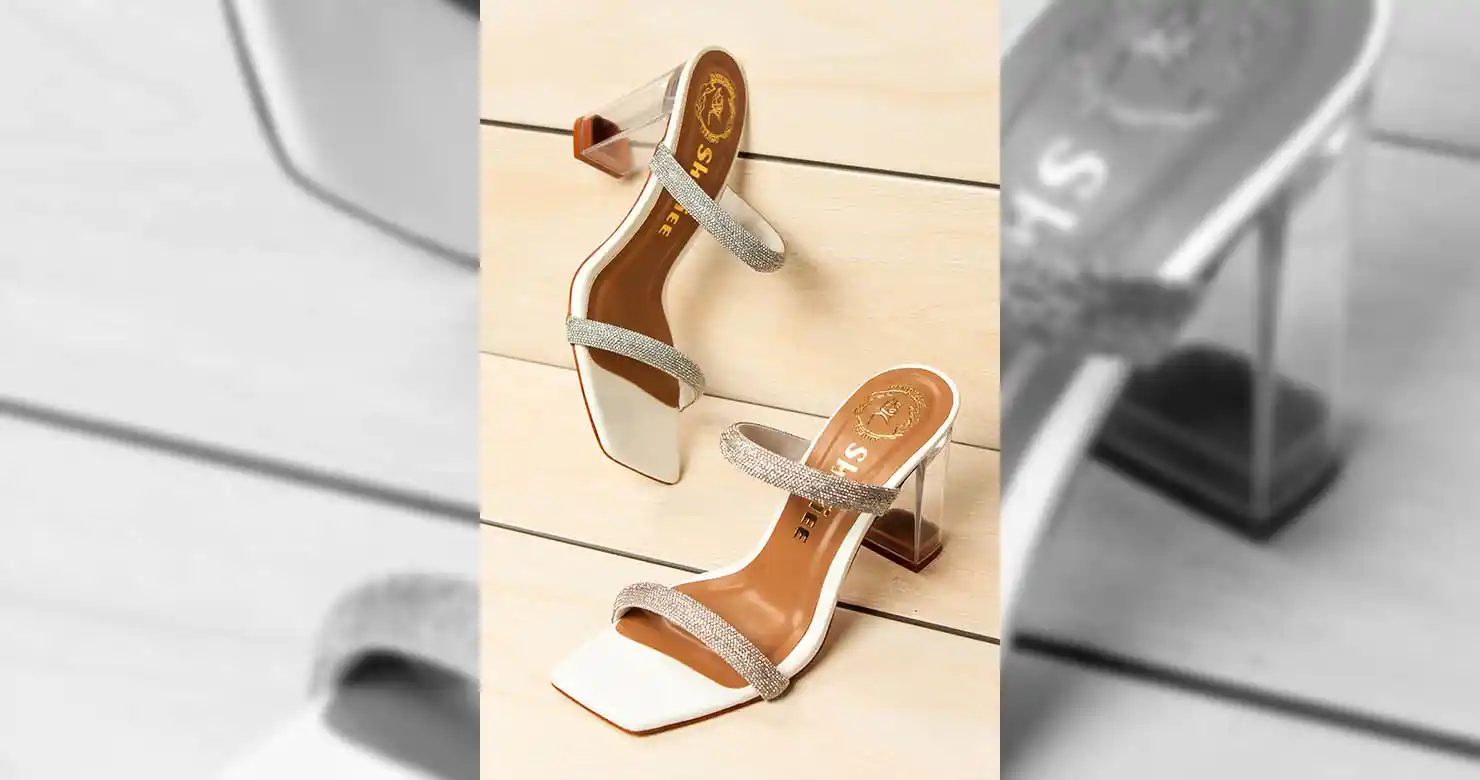
Amazon’s secondary image slots, typically slots 2 through 9, give you more creative flexibility. These images can help customers understand the product and make a confident purchase.
Use secondary images for:
Lifestyle scenes showing the product in context
Close-ups of materials, finishes, and features
Size and dimension references
Infographics and comparison charts
Text overlays explaining benefits
Multiple angles and included accessories
Instructional or usage images

Amazon recommends uploading at least six additional images and one product video where appropriate. The more useful information you provide, the less uncertainty customers feel, and the stronger your conversion potential becomes.
The Smart Editing Workflow
A compliant Amazon image workflow should include:
Background removal and pure-white replacement
Accurate cropping and 85% product scaling
Color correction and exposure balancing
Dust, scratch, reflection, and wrinkle removal
Natural shadow creation for product depth
Resizing, sRGB conversion, and file compression
Final quality control against Amazon’s specifications

Doing this manually across hundreds of SKUs creates significant overhead. Outsourcing the technical work lets you reclaim production time, scale your catalogue, and focus on sourcing, marketing, and revenue growth.
Why Choose Pinnacle Edits?
Pinnacle Edits’ Amazon product photo editing service includes background removal, color correction, professional retouching, shadow creation, resizing, formatting, and lifestyle image preparation.
You receive:
Amazon-ready files
24-hour turnaround
Consistent editing across your catalogue
Dedicated editors and quality control
Support for individual products or bulk batches
The ROI is straightforward: instead of spending hours fixing pixels and specifications, you can invest that time in activities that grow your business.
Frequently Asked Questions
What is the best image size for Amazon?
Amazon permits 500–10,000 pixels on the longest side. For zoom, use at least 1,000 pixels; 1,600–2,500 pixels is a practical quality target.
Can the main image include a lifestyle background?
Usually, no. The main image must use a pure white background. Lifestyle scenes belong in the secondary image slots, except for limited product categories with specific exceptions.
Can I use text on my Amazon product images?
Do not use text, pricing, badges, claims, or promotional overlays on the main image. These elements are more appropriate for secondary images, where permitted.
Why does my product look too small after background removal?
The canvas may be oversized or the product may not have been scaled correctly. Resize and position the product so it occupies approximately 85% of the frame without cropping any part.
How quickly can Pinnacle Edits complete my images?
Pinnacle Edits offers a 24-hour turnaround for Amazon product image editing, depending on image complexity and batch size.
Make Your Listings Upload-Ready
Do not let preventable image errors delay your sales. Send your product photos to Pinnacle Edits or start with a free trial. We will help you transform inconsistent product photos into polished, compliant images that are ready to upload and built to convert.
Related services